
The Workout AppThat Fits You
Build your own training splits and schedule workouts that match your life.
How It Works
SimpleSplit makes it easy to organize your training in just a few steps.
Create Your Days
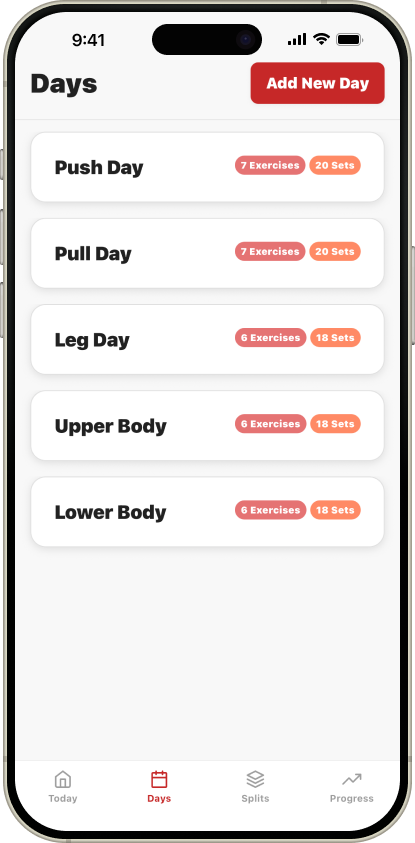
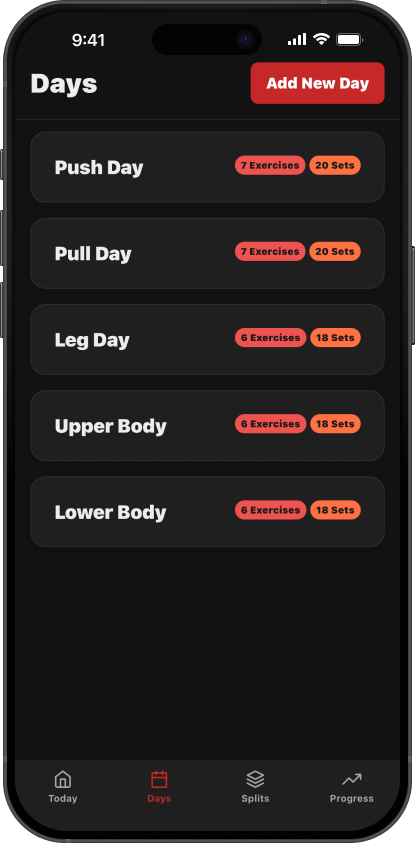
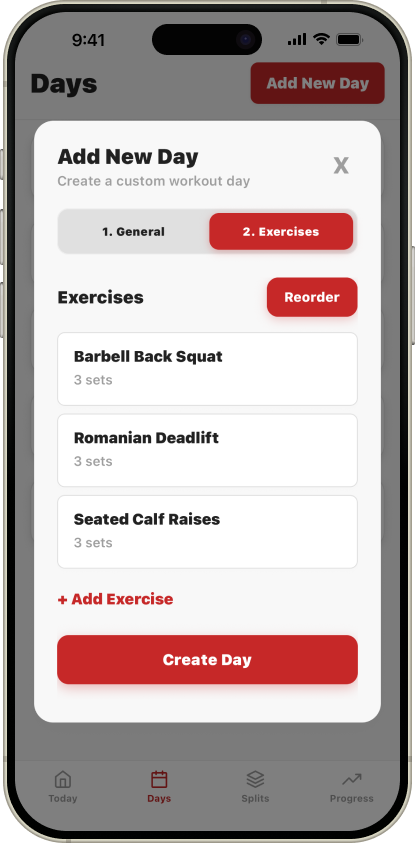
Start by creating workout “Days” — reusable templates like “Push Day”, “Leg Day”, or “Upper Body”. Each day is a container for your exercises that you can use again and again.
Add Exercises
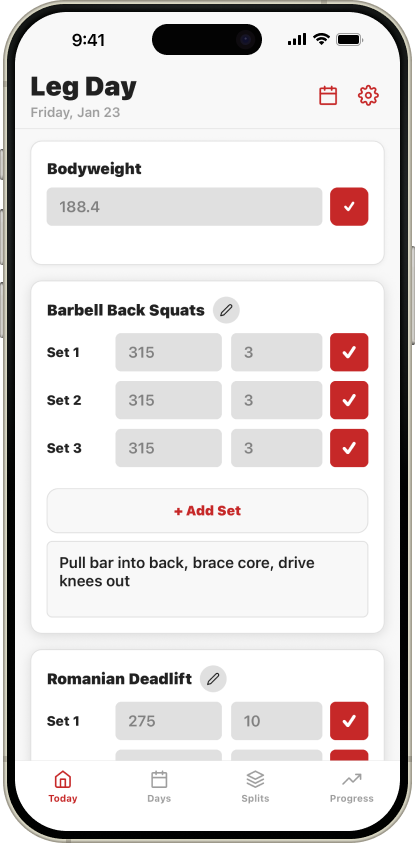
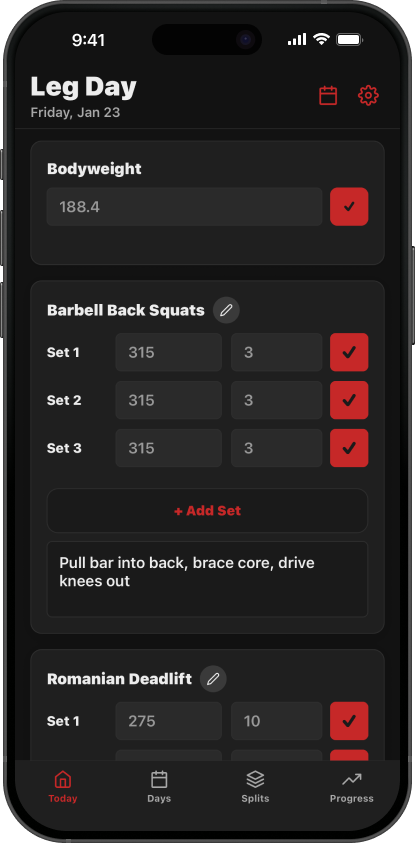
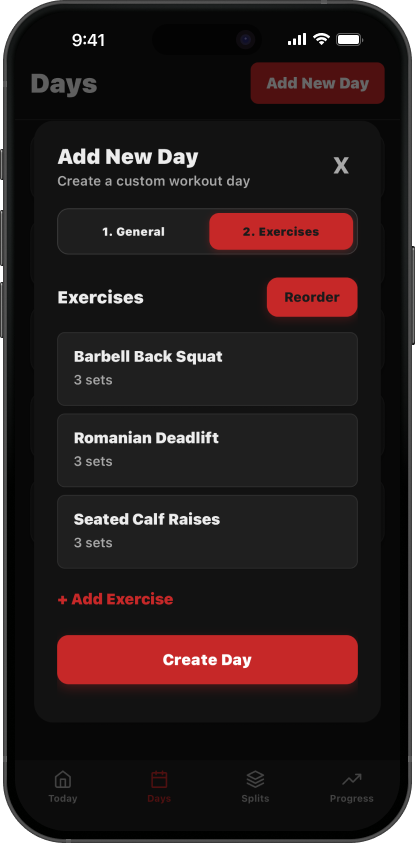
Fill each day with exercises. Set the number of sets, add notes, and organize them in your preferred order. Your exercises are saved and ready whenever you need them.
Build Your Split
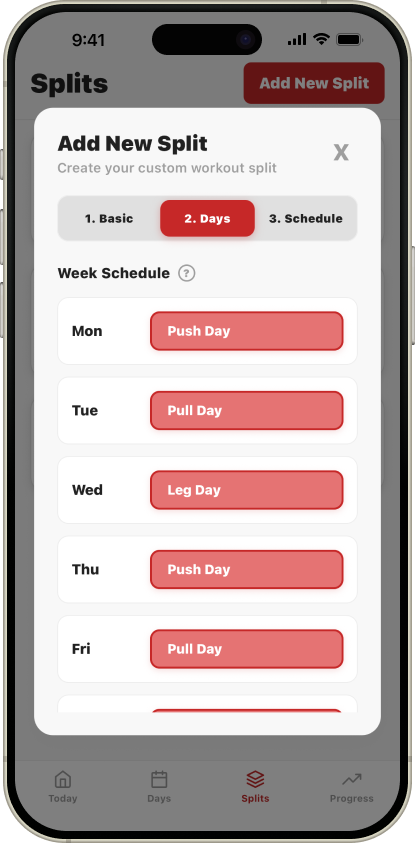
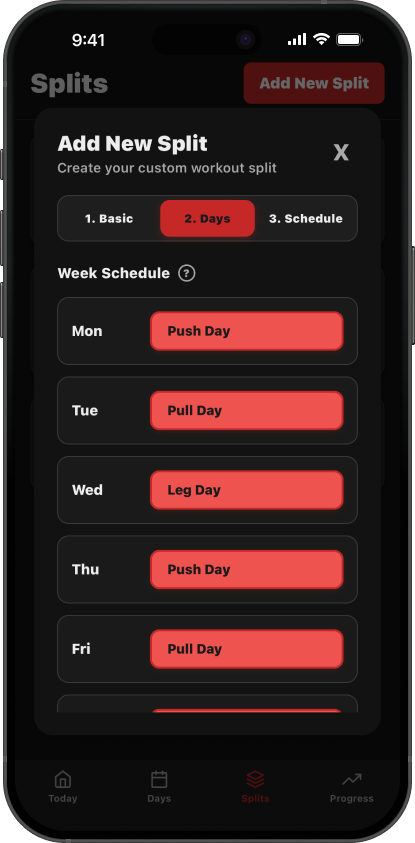
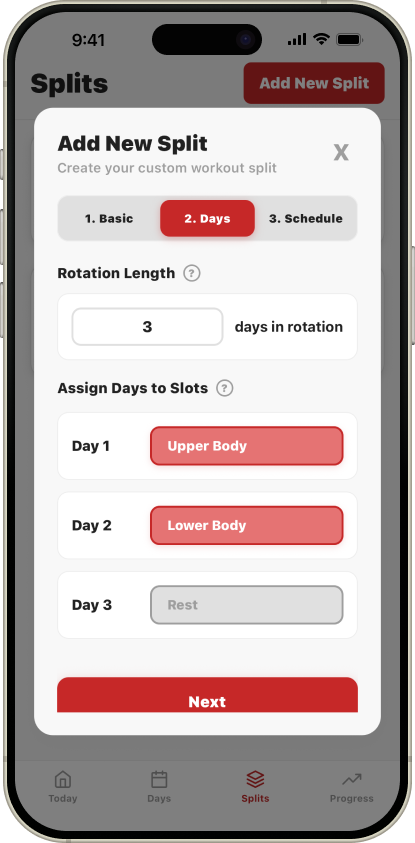
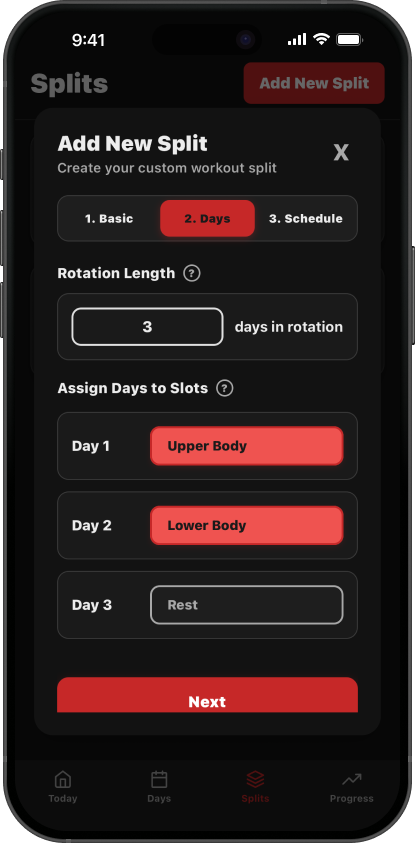
Organize your days into a split. Choose Weekly mode to assign days to specific weekdays (Mon, Wed, Fri), or Rotation mode to cycle through days in order regardless of the calendar.
Schedule Your Split
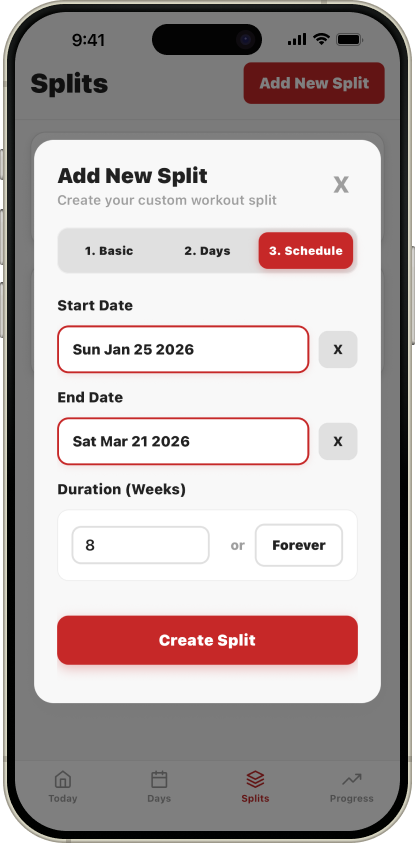
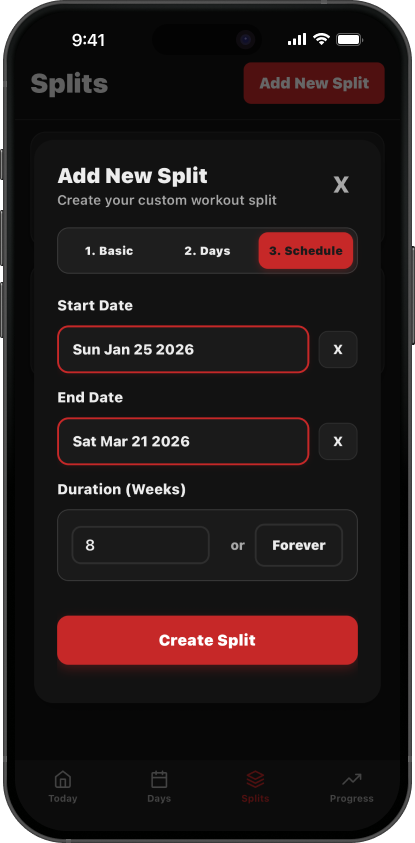
Set a start date and duration for your split — or run it forever. SimpleSplit automatically knows which workout is scheduled for each day, so you never have to think about it.
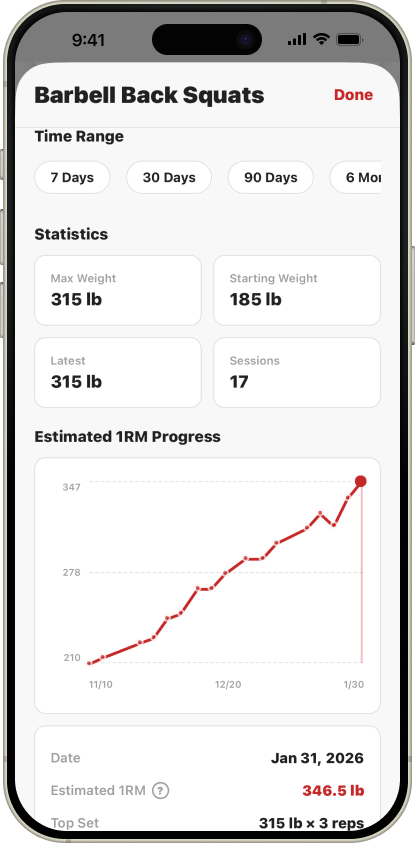
Track Your Progress
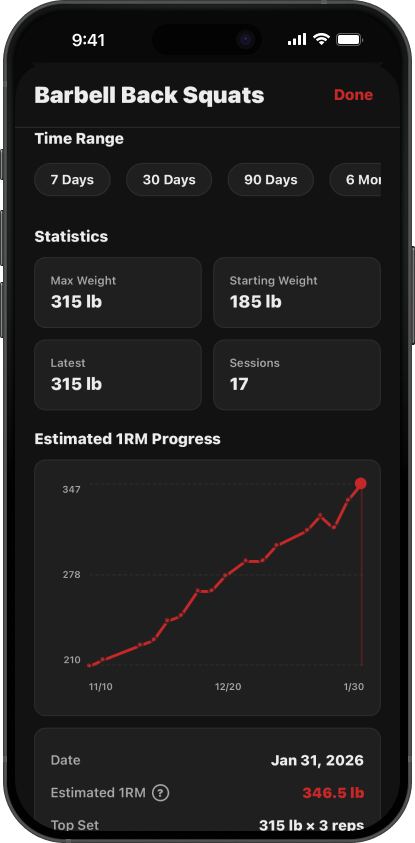
Each day, SimpleSplit shows you exactly what to do. Log your sets, reps, and weight as you go. Watch your progress over time with built-in charts, personal records, and workout history.
Frequently Asked Questions
Everything you need to know about SimpleSplit.
SimpleSplit is a mobile fitness app designed to help you create, organize, and track your workout routines. Unlike apps that generate workouts for you, SimpleSplit puts you in control — you build your own workout 'days', organize them into 'splits', and schedule them however you like. It's perfect for lifters who know what they want to do and just need a clean, simple way to manage it.
SimpleSplit is built for anyone who wants full control over their training. Whether you're following a popular program like Push/Pull/Legs or Upper/Lower, designing your own custom routine, or just want a flexible way to log your workouts — SimpleSplit adapts to you. It's ideal for intermediate to advanced lifters, but beginners who have a plan in mind will love it too.
On the Days, Splits, or Exercises list, swipe the card from right to left to reveal the action buttons. Then tap Edit or Delete to do the desired action (you'll be asked to confirm before anything is removed).
On the Today screen, open Settings and tap "Change Scheduled Day". You'll pick a Day (or choose Rest) to override the selected calendar date. This only changes what shows up for that specific date — it doesn't modify your split template or rewrite your saved Day definitions.
Yes. On the Today screen, open Settings and tap "Export Workout Data". SimpleSplit displays a list of your training cycles (Split Runs). Simply select the runs you want to export—or select all of them—and tap "Export to Excel". SimpleSplit generates a formatted .xlsx spreadsheet containing your detailed workout logs, which you can save or share via your phone's share sheet.
Favoriting an exercise saves it to your Favorites so it shows up in your Progress view for quick access to that movement's PRs and history. Favorites are saved per exercise entry, and in the Progress screen SimpleSplit groups favorites by a normalized exercise name (case-insensitive and extra spaces ignored). That means if the same exercise name exists on multiple Days (for example, "Bench Press" on two different Days) and you favorite those entries, SimpleSplit will treat them as one exercise for tracking and combine the progress under the same name.
Training Made Simple
No clutter, no complexity — just your workouts, your way.
Download on the App Store