
What is a Push / Pull / Legs split?
A Push / Pull / Legs split, often shortened to PPL, organizes workout days into three recurring types. A push day groups pushing movements, a pull day groups pulling movements, and a legs day focuses on lower-body training. The names describe a way to arrange sessions; they do not specify which exercises, loads, or amount of training are right for a particular person.
The same three-day sequence can be scheduled in different ways. Some people repeat it on fixed weekdays, while others continue to the next session whenever they train. The examples below show the calendar structure only.
Sample PPL schedules
Choose the number of training sessions that fits your availability, then decide whether you want each week to start over on the same weekday or the sequence to keep moving across weeks.
| Sessions | Example schedule | How the sequence continues |
|---|---|---|
| 3 per week | Mon Push · Wed Pull · Fri Legs | Start the same pattern again the following week. |
| 4 per week | Week 1: Mon Push · Tue Pull · Thu Legs · Sat Push Week 2: Mon Pull · Tue Legs · Thu Push · Sat Pull | Continue in order; the first session of a new week may differ. |
| 6 per week | Mon Push · Tue Pull · Wed Legs · Thu Push · Fri Pull · Sat Legs · Sun Rest | Use a fixed weekly calendar with a planned rest day. |
These are examples of organizing the days, not recommendations for how often any individual should train. A split name by itself does not tell you whether your sessions, exercise selection, or recovery fit your needs.
Weekly PPL or a rotating PPL sequence?
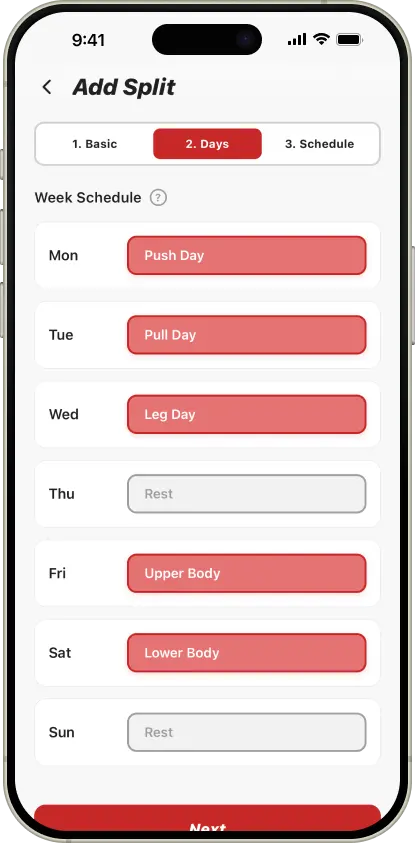
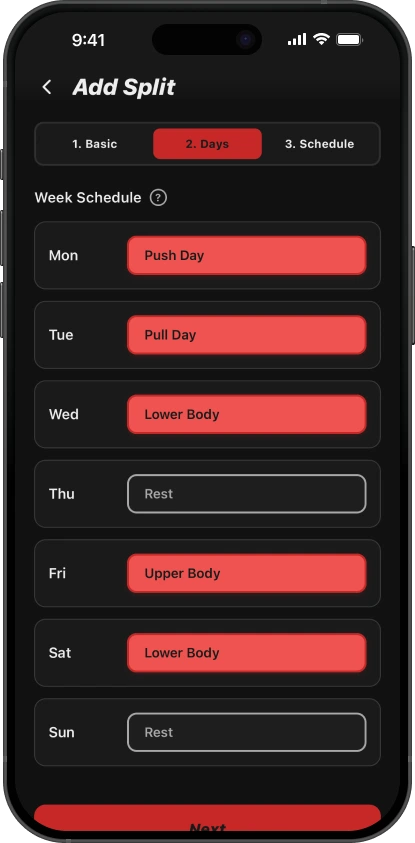
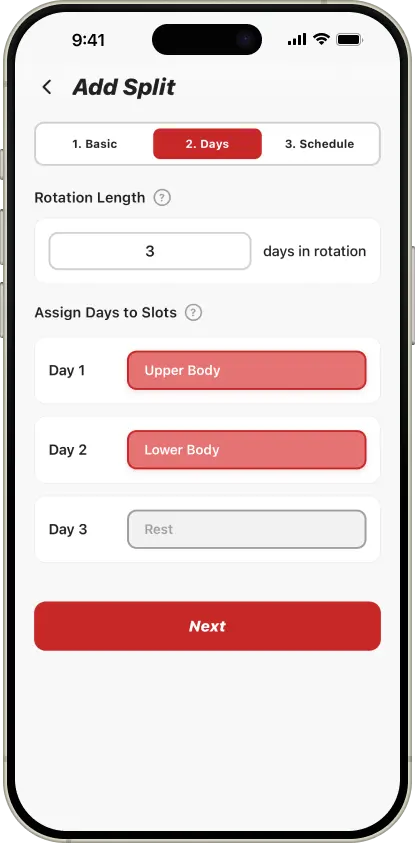
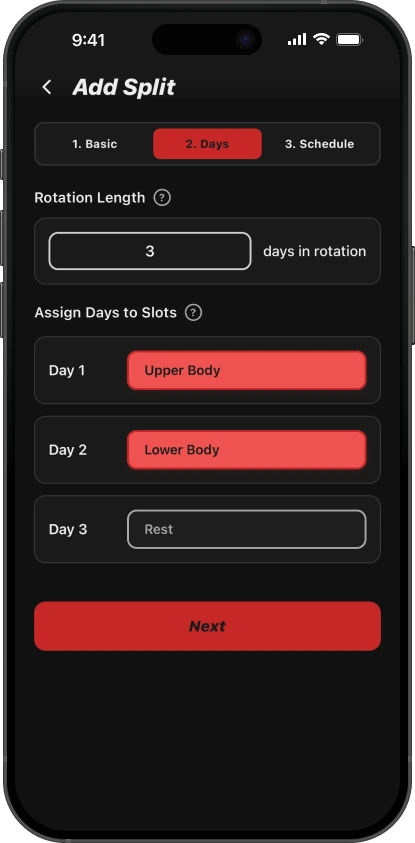
A weekly plan assigns sessions to weekdays. It can be easy to follow when your training days are fairly consistent. A rotation follows the next workout in the sequence rather than tying Push, Pull, and Legs to particular weekdays. That can be easier to track when your available days move around.
Neither calendar style determines the quality of a training program. If you want a closer comparison, see the guide to weekly versus rotation workout splits.
Set up a PPL split in SimpleSplit
- Create reusable Push, Pull, and Legs workout Days.
- Arrange those Days in a weekly schedule or a rotation.
- Choose the schedule dates that fit your routine and add rest days where you want them.
- Open the Today screen to see the scheduled Day and log the session.
If you are still comparing structures, browse the Upper / Lower split examples too.